

AI Christmas photo templates and ideas
Ten AI Christmas photo templates, from this year’s candy cane trend to the classic ugly sweater party. Pick one, press “Make the same” and upload your own photo. No prompt writing needed.
Pick a Christmas photo template
Red-and-white striped sweaters in a snowy forest of giant peppermint candy canes. The candy cane AI Christmas photo was the big trend of Christmas 2025.
Opens the AI Christmas photo generator with this template. Adults and pets only.
Or write your own prompt (advanced)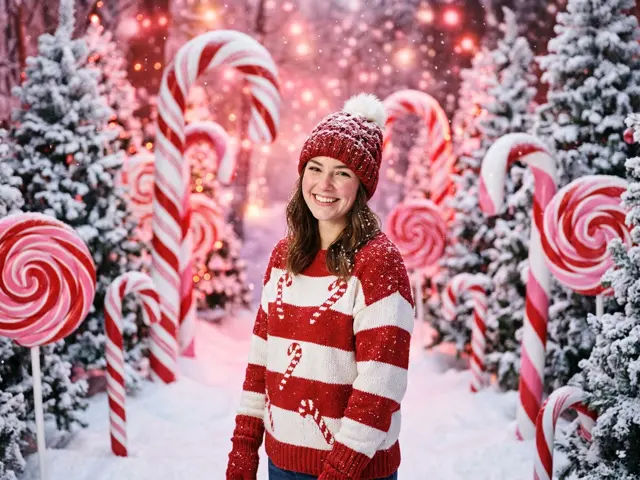 Sample
Every AI Christmas photo template
Each card shows two samples made with the template. Your photo comes out in the same look, with your own face or your own pet in it.
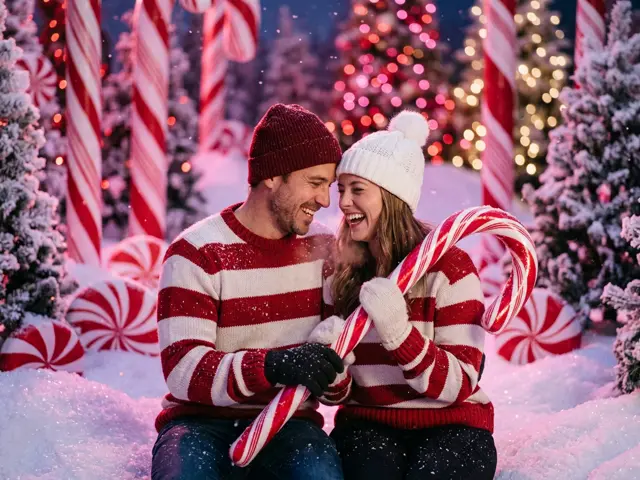
Candy cane portrait
Red-and-white striped sweaters in a snowy forest of giant peppermint candy canes. The candy cane AI Christmas photo was the big trend of Christmas 2025.
Make the same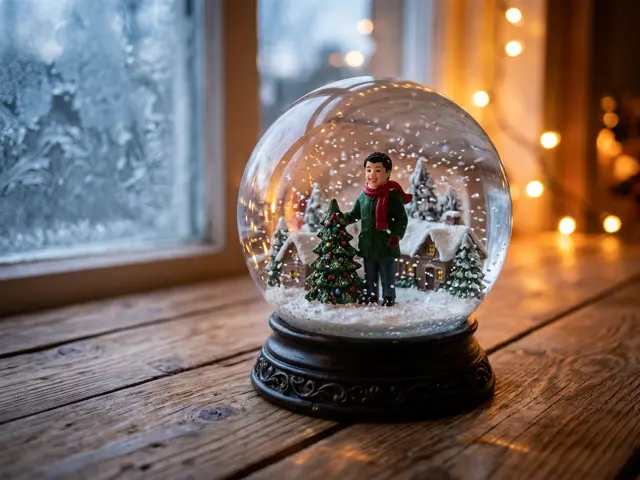
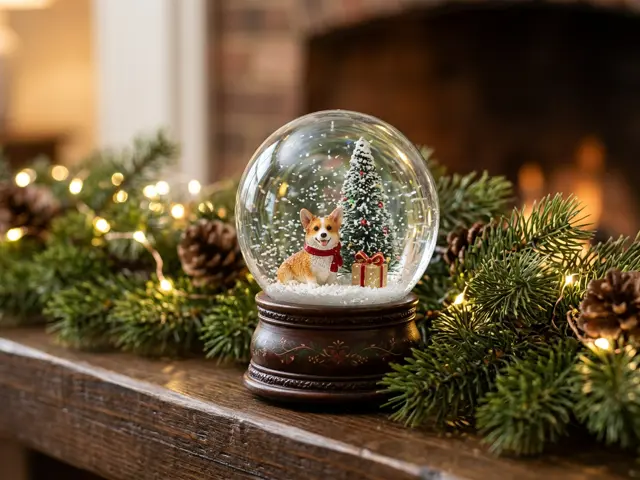
Snow globe mini-me
You, or your pet, as a tiny figurine inside a glass snow globe. It is the 2025 AI figurine trend, done for Christmas. Takes one photo.
Make the same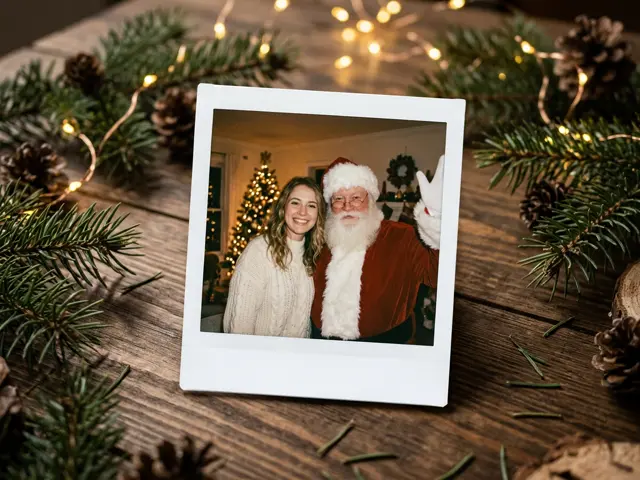
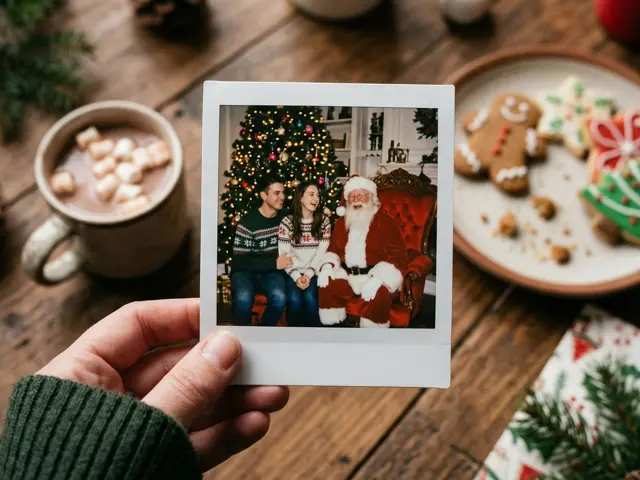
Polaroid with Santa
An instant photo of you standing next to Santa, lying on a table among pine branches and fairy lights. It is the Christmas take on the 2025 AI Polaroid trend.
Make the same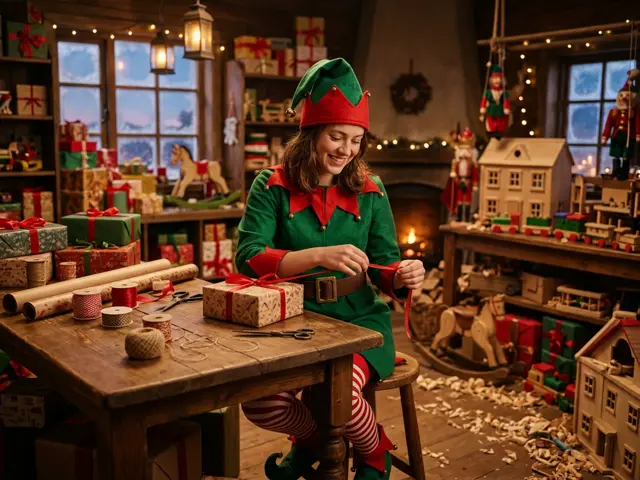
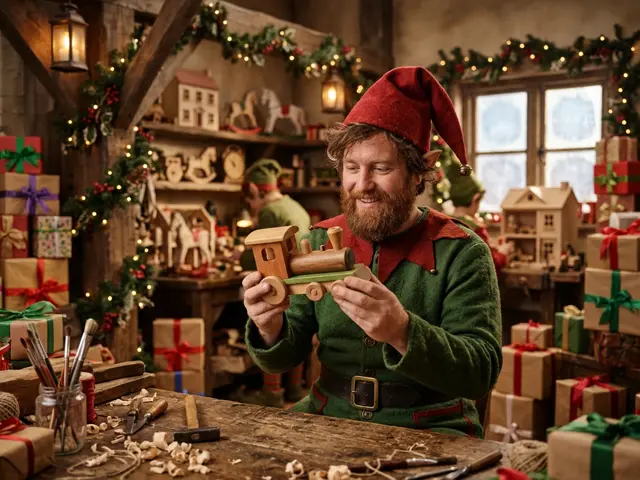
Christmas elf
Pointed hat, jingle bells and striped stockings in Santa’s toy workshop. People have been turning themselves into elves every December for years.
Make the same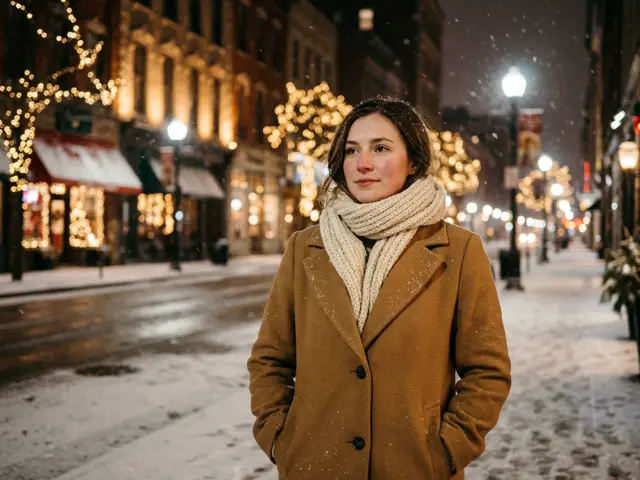
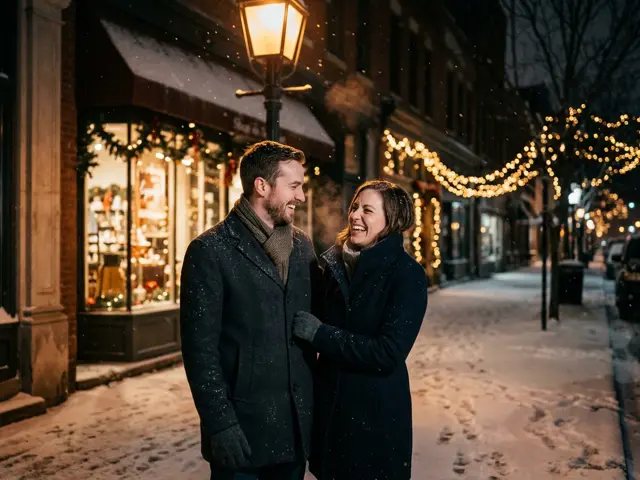
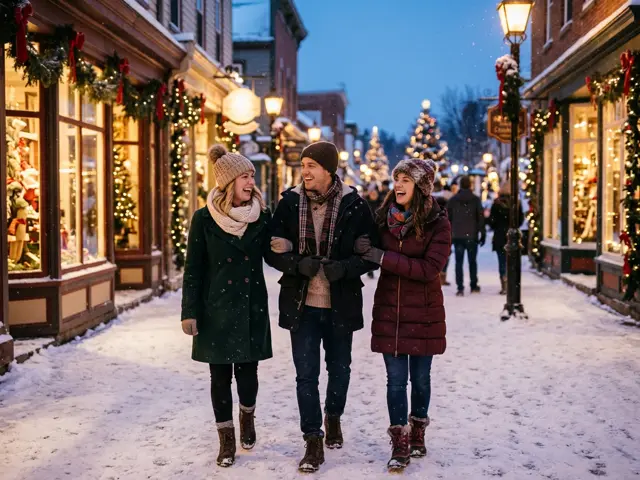
Cinematic winter portrait
A film-look portrait on a snowy street at night, with warm Christmas lights behind you. Made for a profile picture or a phone wallpaper.
Cinematic Christmas portrait ideas
Make the same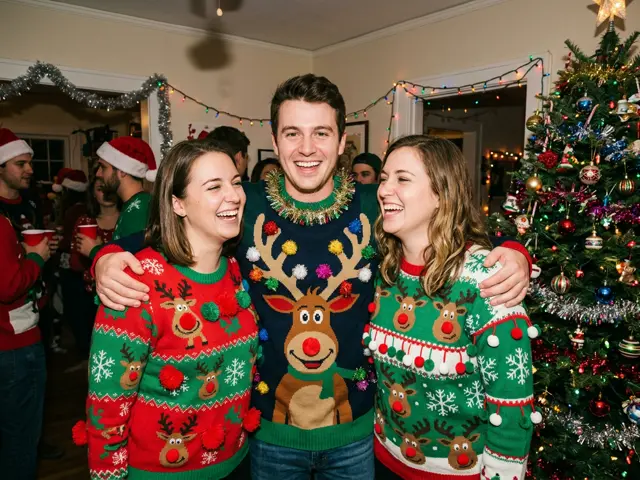
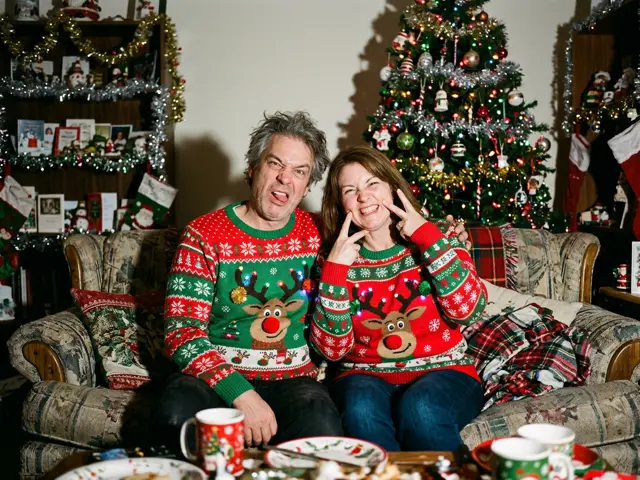
Ugly sweater party
Loud reindeer sweaters, tinsel and a flash photo from a party that never happened. Upload up to four friends.
Ugly Christmas sweater photo ideas
Make the same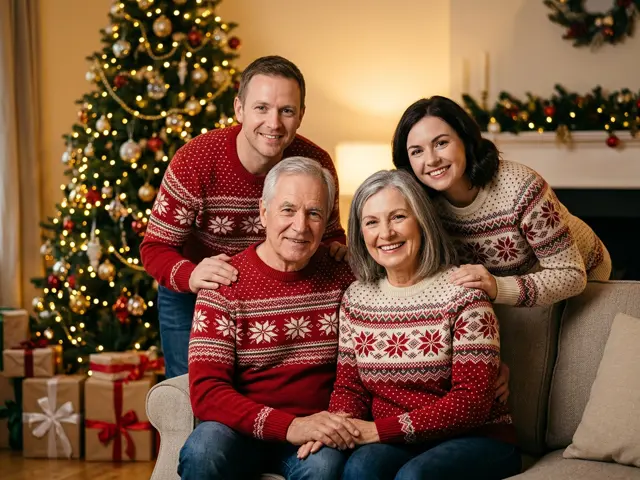
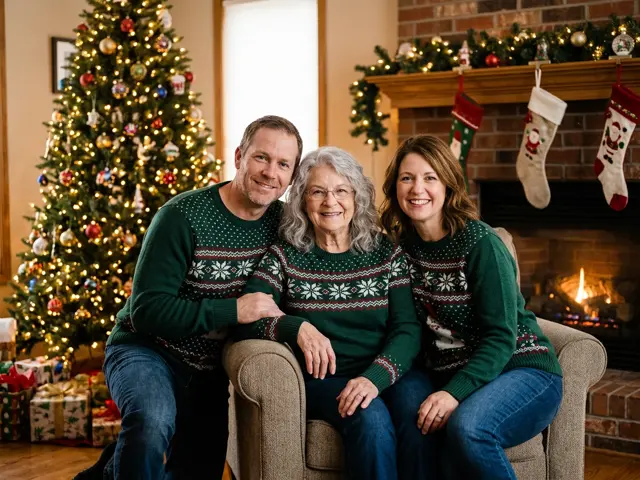
Family portrait
Everyone in matching Christmas sweaters by the tree, made from up to four separate photos of adults.
AI Christmas family photo ideas
Make the same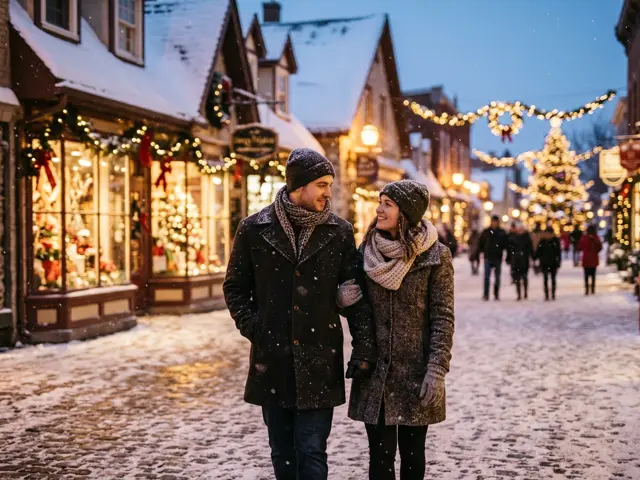
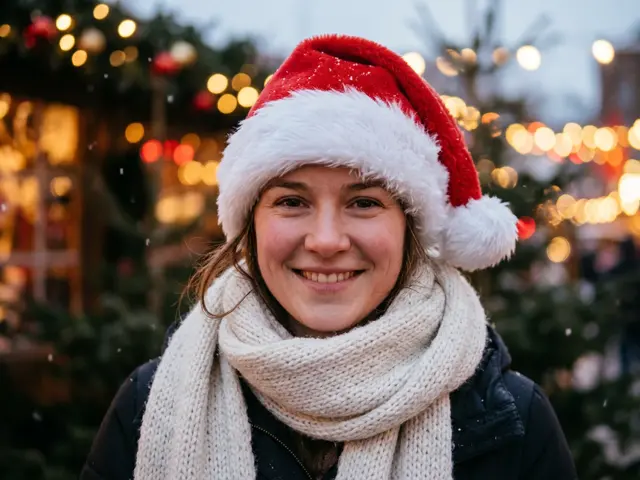
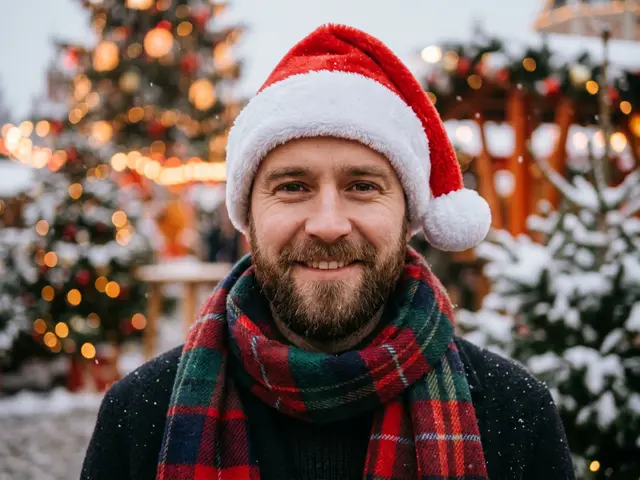
Santa hat avatar
A Santa hat profile picture from one photo, for WhatsApp, Instagram or Slack.
Make the same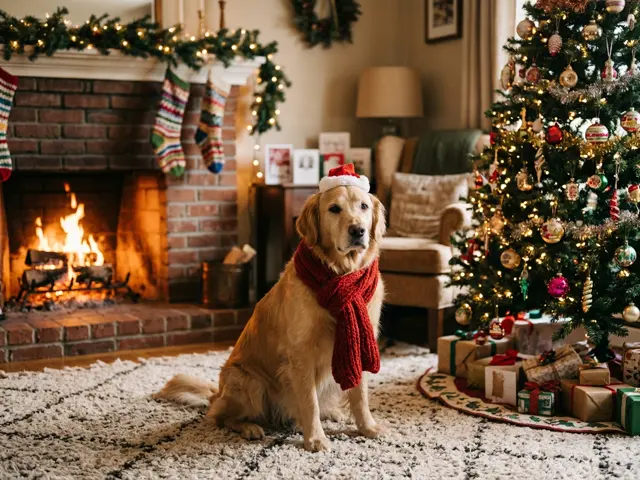
What is the AI Christmas photo trend?
The AI Christmas photo trend is simple: take a photo you already have and turn it into a Christmas picture. The people stay themselves. Only the clothes, the light and the place change.
Each December brings its own look. In 2025 it was candy cane portraits, AI figurines and Polaroids, all made by typing long prompts into a chatbot. Here, each look is a ready-made template, so you get the same AI Christmas photo without writing a prompt.
Viral AI Christmas photo templates, year by year
The templates on this page come from looks that already took off online, so people know them when they see them.
Candy cane portraits (Christmas 2025)
Peppermint stripes, pink light and a candy forest. People posted them as profile pictures and card covers.
Figurines and snow globes (2025)
The AI figurine trend turned people into collectible toys. Put that figurine inside a snow globe and you have a Christmas version.
AI Polaroids (2025)
Instant photos with a white border looked real enough to fool the family group chat. The Christmas version puts Santa in the picture with you.
Elf yourself (every year since 2006)
Putting your face on a dancing elf is one of the oldest Christmas internet jokes. The AI version gives you a whole costume and Santa’s workshop around you.
Ugly Christmas sweaters
The ugly sweater party is a December tradition. Now nobody has to buy the sweater.
How to christmasify an image in three steps
To christmasify an image is to keep the person or pet in a photo and redraw everything around them for Christmas. On AI Greeting Video it takes three steps:
1. Pick an AI Christmas photo template
Choose a template above and press “Make the same”. The generator opens with that template selected.
2. Upload your own photo
One clear photo for a snow globe, an avatar or a pet. Up to four photos of adults for the other templates. Photos of children are refused before anything is charged.
3. Download your Christmas AI photo
Your picture is ready in about a minute. If a render fails, the credits go back to your balance automatically.
Want something else? Write your own prompt
The templates cover the looks most people want. If you have a scene in mind that none of them covers, open the generator and choose “Custom prompt (advanced)”. Describe the scene in your own words, such as ice skating under a giant tree at night. Your faces stay recognisable.
Custom prompts are checked before anything is charged. Keep them family-friendly, with no celebrities, brands or text in the picture.
Tips for better Christmas AI photos
The template decides the scene. Your photo decides how much the AI Christmas photo looks like you.
Use a clear, front-facing photo
Eyes open, face turned to the camera and no sunglasses. A recent phone selfie in daylight works better than an old group shot.
One person per photo for group pictures
For the family portrait, the ugly sweater party or the Polaroid, upload a separate photo of each adult. The AI keeps each face apart.
Pets: get down to their level
A photo taken at the pet’s eye level, with the whole face in frame, gives the most natural result.
Pick the shape before you start
Choose 4:5 or 1:1 for a profile picture or a post, 9:16 for a story, and 16:9 for a banner or a desktop wallpaper.
Make your own AI Christmas photo
The AI Christmas photo generator runs every template on this page with your own photos. Signing in is free. Each photo uses credits from a pass or an order, and failed photos are refunded.
If you would rather start with something free, the Christmas card maker turns a name and a wish into a card you can download.
Turn your Christmas photo into a Santa video
A photo says Merry Christmas. A video from Santa says it out loud, with a child’s name. You type the name and the message, and no photo of the child is needed.
AI Christmas photo FAQ
Are these AI Christmas photos real examples?
Yes. Every sample on this page was generated with the same AI image model the templates use. They show AI-generated adults and pets. They are not stock photos and not anyone’s uploads.
Do I need to write a prompt?
No. Pick a template and upload your photo; the prompt behind each template is ours. If you want a scene no template covers, the generator has a custom prompt option for that.
How do I christmasify an image of my pet?
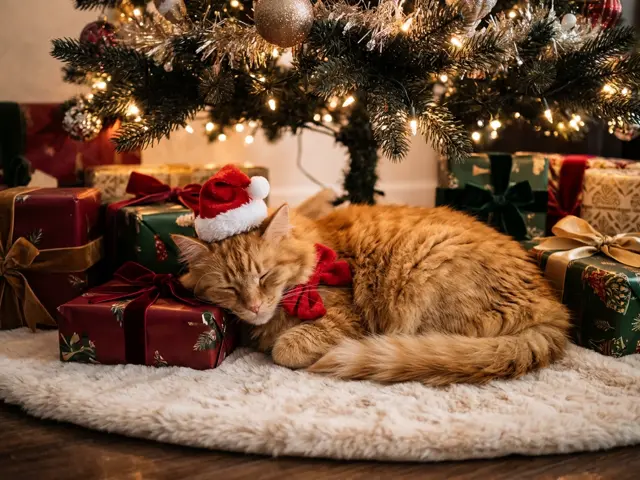
Pick the pet by the fireplace or the snow globe template, press “Make the same” and upload one photo where your pet’s whole face is visible. Your pet photo is ready in about a minute.
Can I make AI Christmas pictures of my children?
No. Photos of children are refused before anything is charged. For a Christmas greeting to a child, the Santa video says their name from what you type, with no photo at all.
How much does an AI Christmas photo cost?
Signing in is free. Each AI Christmas photo uses credits from a pass or an order, because every picture is a new AI render. If a render fails, the credits are refunded automatically.
What happens to the photos I upload?
Your uploads and the finished picture are kept in your private library and deleted after 30 days. They are never shown on this page or anywhere public.