

AI Christmas family photo
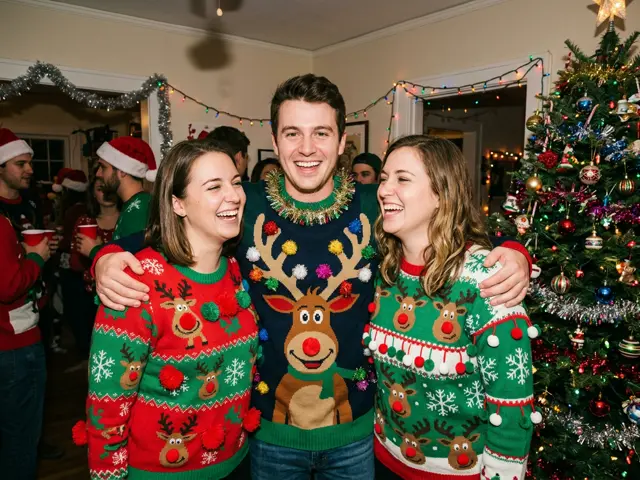
Everyone in matching cosy Christmas sweaters, posed by a decorated tree with fairy lights and wrapped presents. Made from up to four separate photos, so the family does not have to be in the same place.
Everyone in matching Christmas sweaters by the tree, made from up to four separate photos of adults.
Takes 1 to 4 photos of adults, pets welcome
Opens the AI Christmas photo generator with this template. Adults and pets only.
Or write your own prompt (advanced)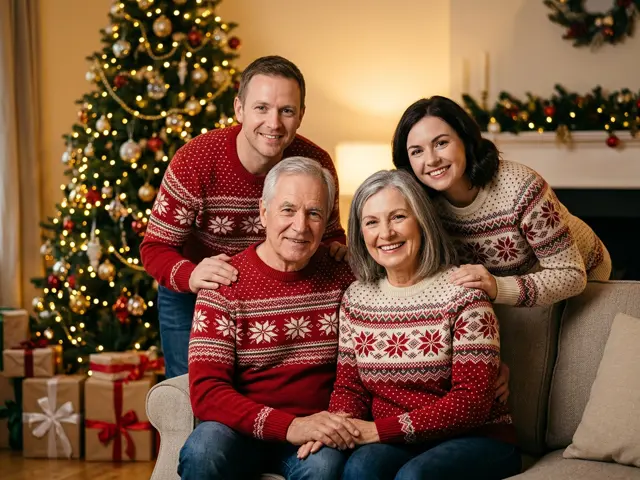 Sample
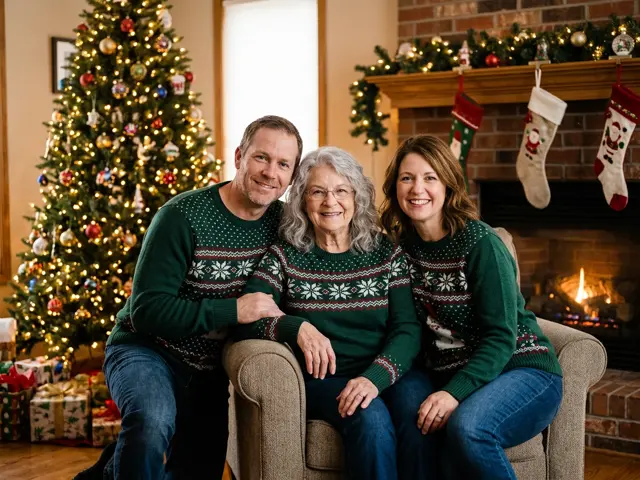
What the family photo looks like
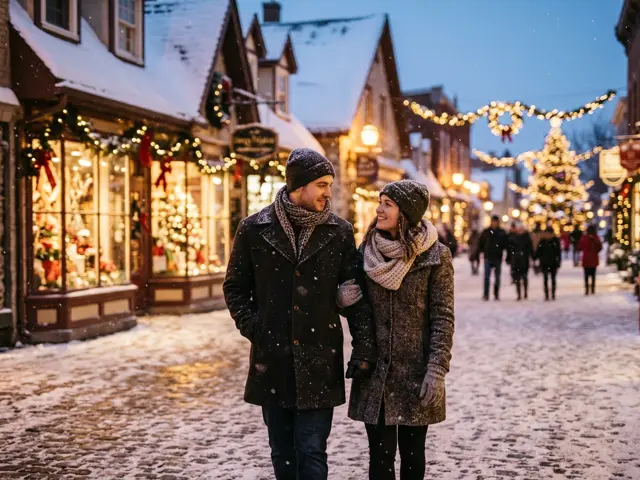
The template puts everyone from your photos together in front of a decorated Christmas tree, in matching sweaters, with fairy lights and presents around them and soft golden indoor light. It is the classic family portrait, without booking a photographer.
Each face comes from its own photo, so people who live far apart still end up side by side.
When an AI family photo helps
Getting the whole family into one room, in matching sweaters, looking at the camera, is the hardest part of a Christmas photo.
Family in different cities
Ask each adult for one selfie and make the portrait you could not take in person.
Grandparents’ card
Parents and grandparents together by the tree, ready to print or send.
Adult siblings
Grown-up brothers and sisters in matching sweaters, as a joke or for real.
Why only adults
Photos of children are refused before anything is charged, and that applies to family photos too. To include the kids in your Christmas greeting, send them a personalised Santa video instead. It uses the name you type, not a photo.
Getting a family photo that looks natural
The more alike the source photos are, the more the portrait looks like one sitting.
Similar framing
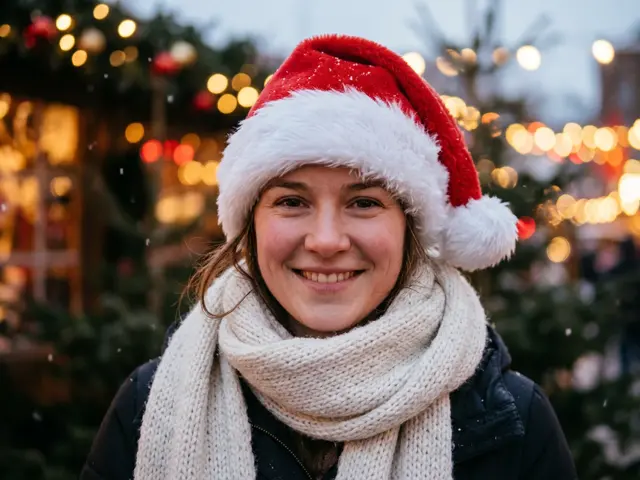
Ask everyone for a head-and-shoulders selfie facing the camera.
Daylight
Photos taken by a window in the day keep skin tones true for everyone.
No hats or sunglasses
The template adds the sweaters; it works best when it can see each face and hairline.
How to make the AI Christmas family photo
Three steps, about a minute. Nothing is charged until every photo has passed the safety check.
1. Press “Make the same”
The AI Christmas photo generator opens with the Family portrait template already selected.
2. Upload your photo
One to four photos, one adult or pet per photo. Photos of children are refused before anything is charged.
3. Pick a shape and download
1:1 or 4:5 for a post or profile picture, 9:16 for a story, 16:9 for a banner. Failed renders are refunded automatically.
More AI Christmas photo templates
Every template works the same way: pick it, upload your photo, download the picture. See all AI Christmas photo ideas
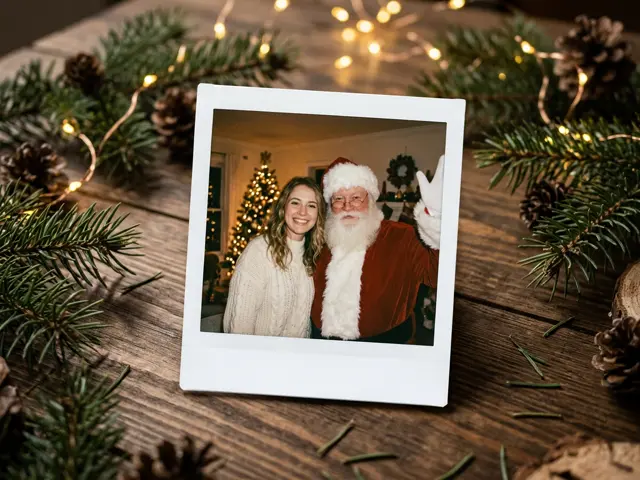
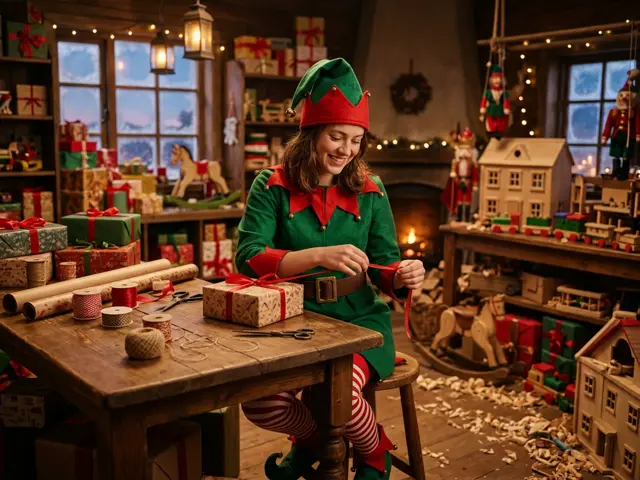
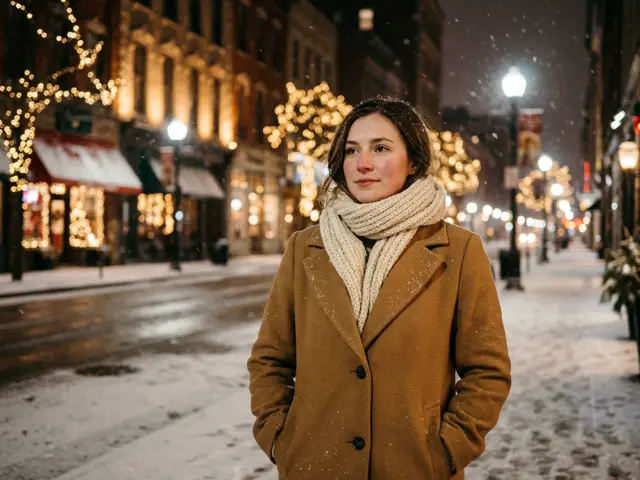
AI Christmas family photo FAQ
Can I choose the sweater colour?
The template picks matching Christmas sweaters. For specific colours, describe them in the custom prompt.
Can I add our dog to the family photo?
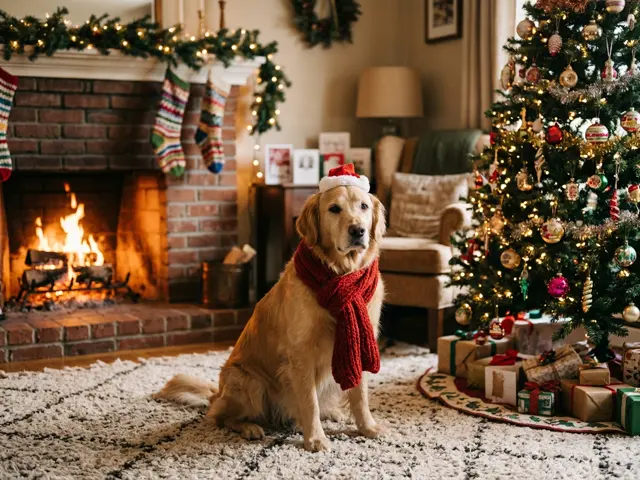
Yes. Upload the dog’s photo as one of the four, and it sits with the family by the tree.
How many people can be in the family photo?
Up to four adults, one photo each. Pets can be added in place of a person.
Do we all need to be in one photo?
No. Separate photos work better: one per adult, each with the face clearly visible.
Can I print it?
Yes. Download the picture and print it at home or with a print service. For a big print, pick the shape you will frame first.
What happens to our photos?
Your uploads and the finished picture stay in your private library and are deleted after 30 days.