

AI Polaroid with Santa
An instant photo with a white border, lying on a table among pine branches and fairy lights. In the picture: you, your partner or your friends, standing next to Santa Claus by the tree.
An instant photo of you standing next to Santa, lying on a table among pine branches and fairy lights. It is the Christmas take on the 2025 AI Polaroid trend.
Takes 1 to 4 photos of adults, pets welcome
Opens the AI Christmas photo generator with this template. Adults and pets only.
Or write your own prompt (advanced)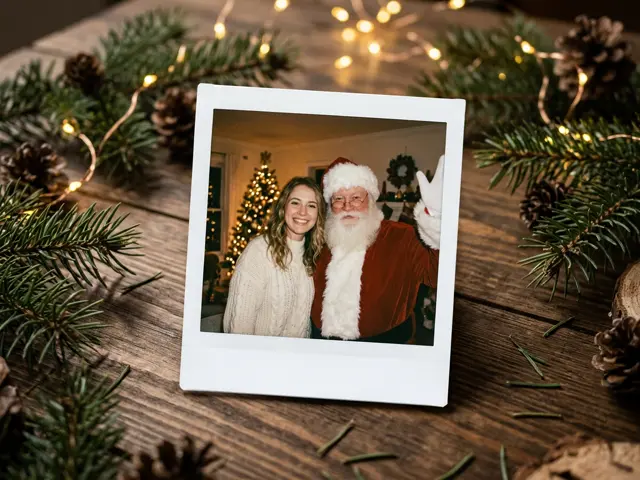 Sample
What the Polaroid shows
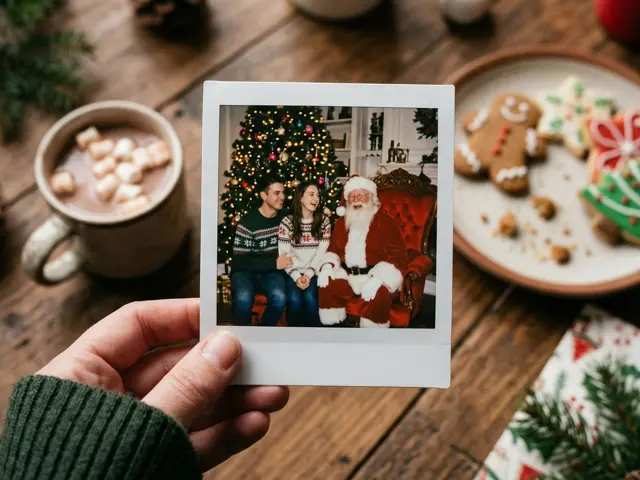
The image is a Polaroid lying on a wooden table, so you see the white frame, the pine branches and the warm fairy lights around it. Inside the frame you stand beside a jolly Santa with a white beard and a red suit, in a cosy living room with a Christmas tree. The flash and a little film grain make it feel like a real snapshot.
Santa is the only person the AI adds. Everyone else in the picture comes from your photos.
The AI Polaroid trend, at Christmas
AI Polaroids spread in 2025 because they look believable: a white-bordered instant photo of you with someone you never actually met. The Christmas version swaps the celebrity for Santa, which keeps it fun and keeps real public figures out of it.
Ideas for your Santa Polaroid
The template takes one to four photos of adults, and pets are welcome in the picture.
Couples
Two photos, one of each of you, give a Polaroid of the two of you with Santa.
Office party
Up to four colleagues around Santa makes a good team card or Slack banner.
With the dog
Add your dog’s photo and Santa gets a four-legged visitor too.
Make your Santa Polaroid look real
The Polaroid style hides small flaws, but a few things still help.
Faces looking at the camera
A snapshot with Santa looks most natural when everyone is facing forward and smiling.
Similar photos for everyone
Photos taken in similar light keep the group looking like it was in the same room.
Portrait shape
Pick 4:5 or 3:4 to show the Polaroid with a little of the table around it.
How to make the AI Polaroid with Santa
Three steps, about a minute. Nothing is charged until every photo has passed the safety check.
1. Press “Make the same”
The AI Christmas photo generator opens with the Polaroid with Santa template already selected.
2. Upload your photo
One to four photos, one adult or pet per photo. Photos of children are refused before anything is charged.
3. Pick a shape and download
1:1 or 4:5 for a post or profile picture, 9:16 for a story, 16:9 for a banner. Failed renders are refunded automatically.
More AI Christmas photo templates
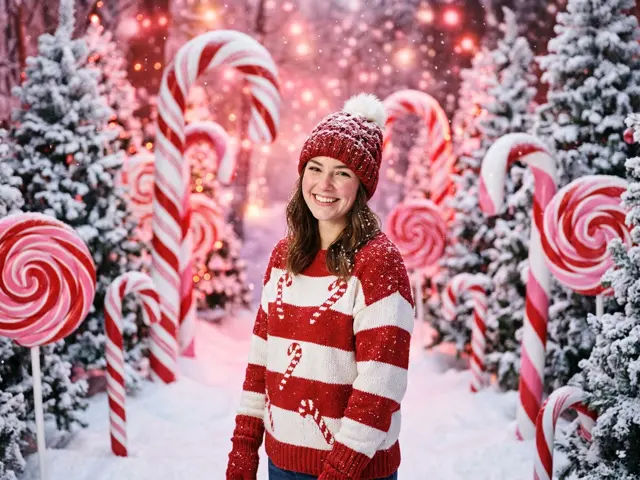
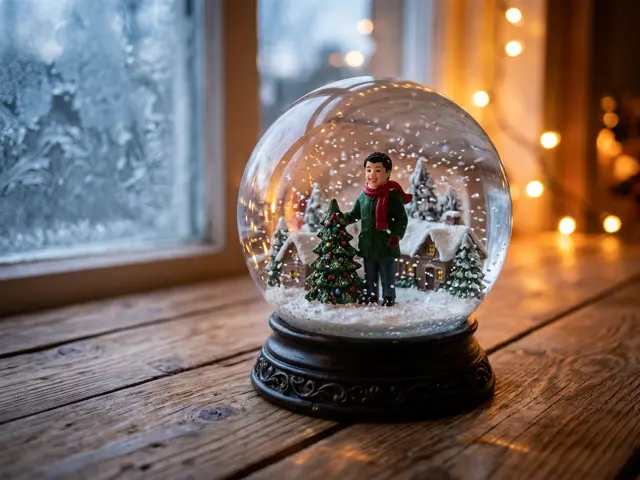
Every template works the same way: pick it, upload your photo, download the picture. See all AI Christmas photo ideas
AI Polaroid with Santa FAQ
Can I send it as a Christmas card?
Yes. Download the picture and send it as it is, or use it as the cover of a card from the card maker.
Will Santa look the same every time?
No. He is always a jolly Santa with a white beard and a red suit, but each picture is drawn fresh.
Can I make a Polaroid with Santa for my kids?
No. Photos of children are refused before anything is charged. For children, the personalised Santa video says their name from what you type, with no photo needed.
Will it look like a real Polaroid?
It is styled like one: white border, flash, slight film grain, lying on a table. It is a digital image, not a printed photo.
How many people can be in it?
Up to four, plus Santa. Upload one photo per adult so each face stays clear.
Can I pick a different celebrity instead of Santa?
No. Real public figures are not allowed. Santa is the only guest.