

AI elf photo: turn yourself into a Christmas elf
Green and red felt costumes, pointed hats, jingle bell collars and striped stockings, working in Santa’s toy workshop. Upload a photo and see yourself as one of Santa’s elves.
Pointed hat, jingle bells and striped stockings in Santa’s toy workshop. People have been turning themselves into elves every December for years.
Takes 1 to 4 photos of adults, pets welcome
Opens the AI Christmas photo generator with this template. Adults and pets only.
Or write your own prompt (advanced)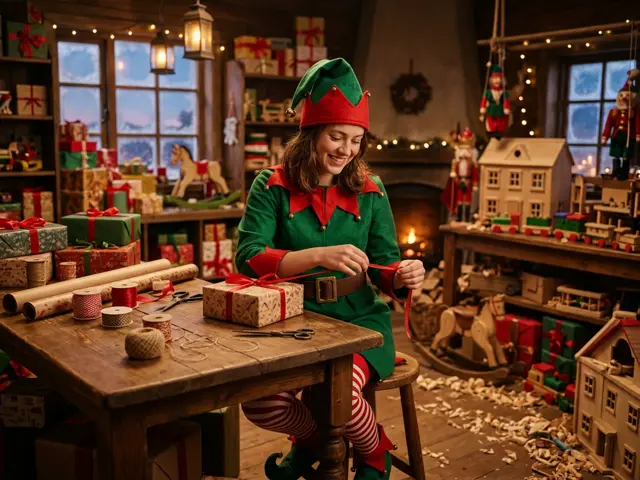 Sample
What the elf photo looks like
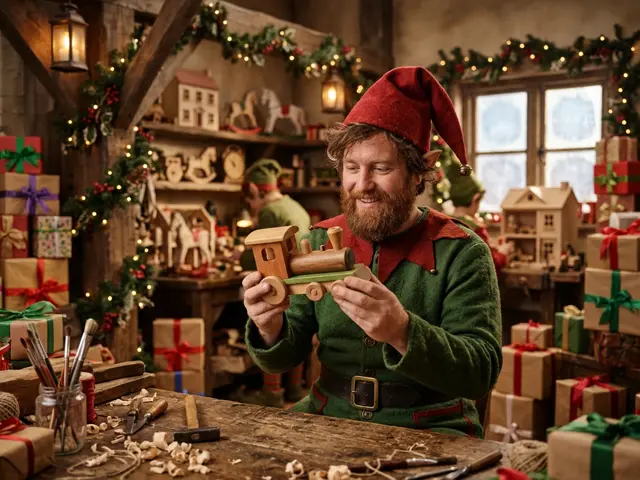
Everyone in your photos comes back dressed as a Christmas elf: green and red felt, a pointed hat, a collar of jingle bells and striped stockings. You are busy in Santa’s workshop, wrapping presents among wooden toys, rocking horses and dollhouses, in warm whimsical light.
Your face stays your own. It is a photo of you as an elf, not a cartoon.
Elf yourself, the AI way
Putting your face on an elf has been a Christmas internet joke since 2006, when the first dancing-elf sites went viral. Those pasted a flat photo of your face onto a cartoon body. The AI elf photo goes further and dresses the whole of you, then puts you in a real-looking workshop.
Ideas for an elf photo
The template takes one to four photos of adults, and pets can be elves too.
Team of elves
Up to four coworkers as Santa’s workshop crew: an easy office Christmas card.
Elf on the sofa
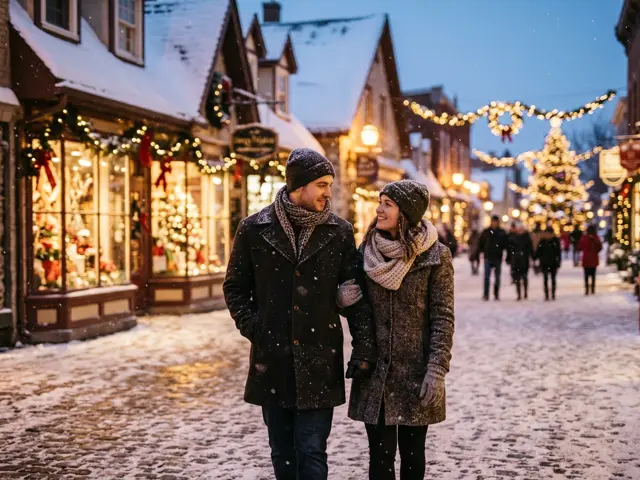
A couple as elves taking a break between presents makes a funny holiday post.
Elf dog
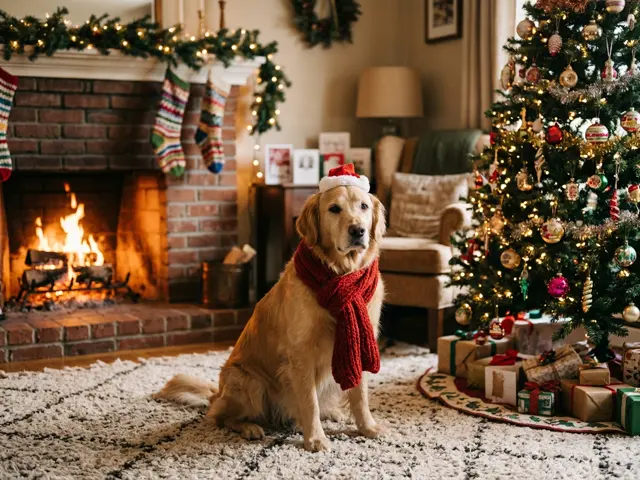
Add your dog’s photo and it gets a tiny pointed hat of its own.
Make your elf photo funnier
The workshop does most of the work, but your photo sets the mood. A big smile reads as a happy elf; a serious face reads as an elf who has wrapped one present too many. Both are funny.
For a group, mix expressions. Four elves with four different faces looks more like a real workshop than four identical grins.
How to make the AI elf photo
Three steps, about a minute. Nothing is charged until every photo has passed the safety check.
1. Press “Make the same”
The AI Christmas photo generator opens with the Christmas elf template already selected.
2. Upload your photo
One to four photos, one adult or pet per photo. Photos of children are refused before anything is charged.
3. Pick a shape and download
1:1 or 4:5 for a post or profile picture, 9:16 for a story, 16:9 for a banner. Failed renders are refunded automatically.
More AI Christmas photo templates
Every template works the same way: pick it, upload your photo, download the picture. See all AI Christmas photo ideas
AI elf photo FAQ
Will I still look like me as an elf?
Yes. Your face, hair and skin tone come from your photo. Only the costume and the workshop are added.
Which shape works for a team card?
16:9 fits four elves side by side and works as an email or Slack banner.
Is this the same as Elf Yourself?
No. It is not affiliated with any elf website. It is an AI photo that dresses you as an elf in a realistic workshop, made from your own photo.
Can I make my child into an elf?
No. Photos of children are refused before anything is charged. The elf template is for adults and pets.
How many people can be elves?
Up to four. Upload one photo per adult.
Can I wrap presents in the picture with Santa?
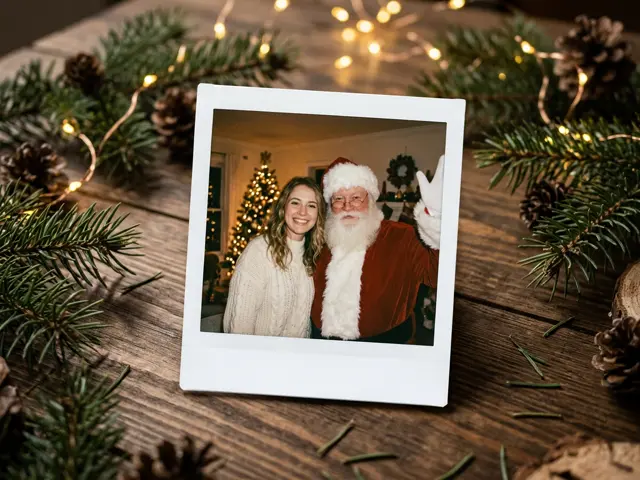
Santa is not in the elf template. For a picture with Santa himself, use the Polaroid with Santa template.