

Couple Holiday — AI Christmas Couple Photo
Make a festive portrait together. The family-portrait photo preset is ready to use below.
Pick a template
Family portrait · Matching sweaters by the tree
Your photos (up to 4)
Adults and pets only. Photos of children are refused before anything is charged.
Shape
Sign in free to make your photoUses credits from your pass or order · refunded if it fails
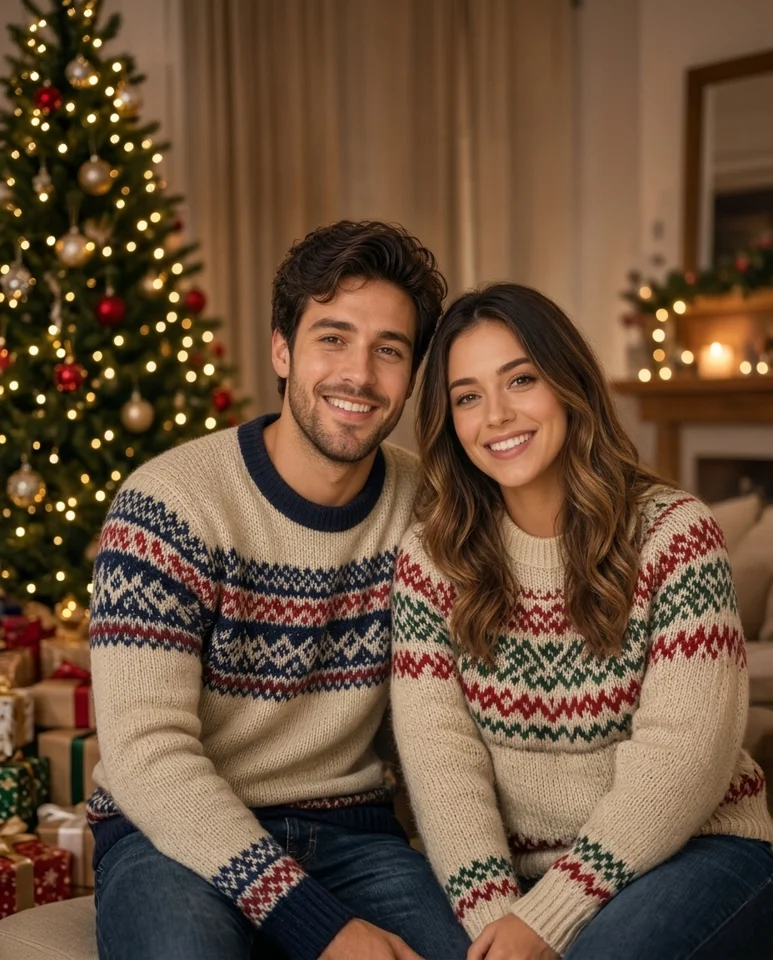 Sample style
A holiday greeting photo for two adults, not a dancing or talking video. Review both faces in the generated picture before sharing.
Sample credits and supported output
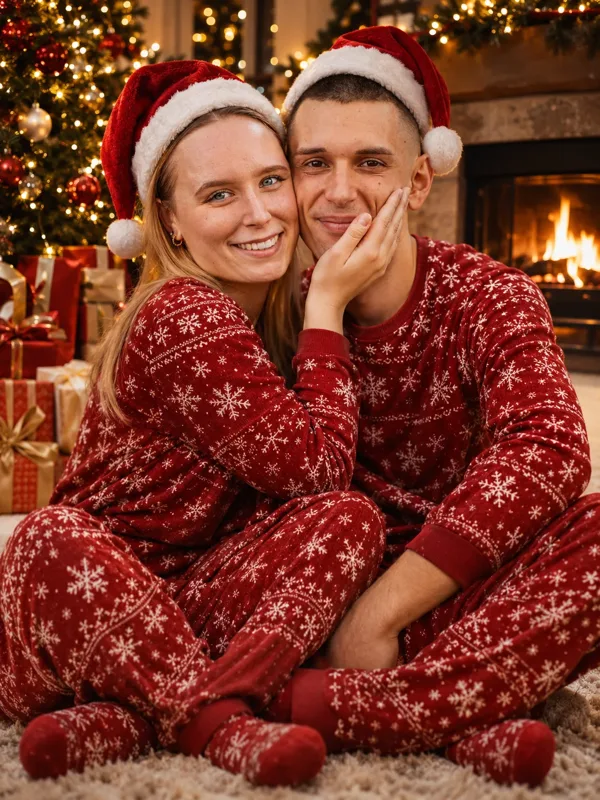
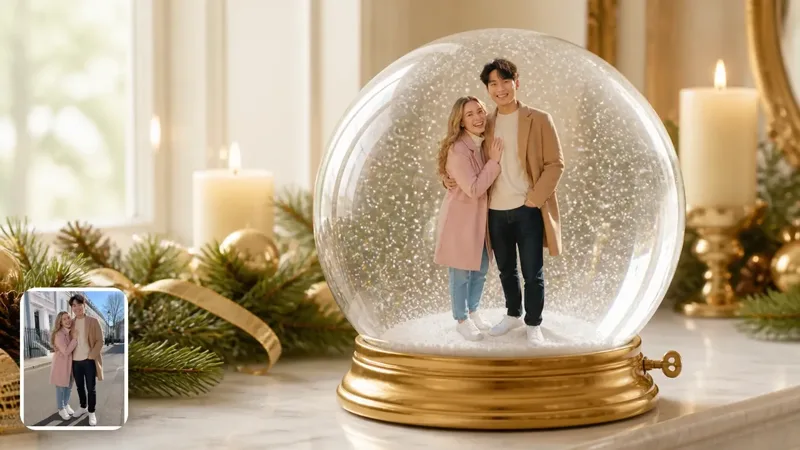
Sample 1 was generated on this site. Samples 2 and 3 are credited third-party references, not our renders or guaranteed results. These are still images; carousel rotation is not video motion.
- Sample 2: Example from Kavel AI — Couple in matching Christmas pajamas by the tree — Kavel AI reference.
- Sample 3: Example from Oeneo AI — Couple inside a holiday music-box snow globe — Oeneo AI reference.
What is a Couple Holiday photo?
A Couple Holiday photo places two adults in a festive portrait that can accompany a Christmas greeting. The aim is a shared seasonal picture rather than two unrelated avatars. This page uses the existing family-portrait photo template, and the first carousel image is our own generated sample from that workflow. It is a still image: there is no spoken message, dance performance, face animation or automatic greeting delivery.
Online references cover several interpretations, from matching pajamas beside a Christmas tree to a miniature couple inside a snow globe. We label the Kavel AI and Oeneo AI images as third-party references because they were not made here. They illustrate the broader holiday-photo idea, but our family-portrait preset does not promise their exact clothing, scene or globe construction. Use our first sample to judge the live supported look.
How to make a couple holiday portrait
Gather clear photos of the two adults, and make sure both people agree to the edit. The family-portrait preset accepts one to four uploads; for two people, use clear references that make each face easy to distinguish. Similar lighting and a straightforward camera angle are more helpful than heavily filtered selfies. Avoid distant faces, blocked eyes and photos where people overlap so much that it is unclear who should appear in the result.
The form above starts on family portrait. Select a shape, upload the reference photos, sign in and review the credit cost before generating. Use 4:5 for a portrait post, 1:1 for a square crop or 16:9 for a wider scene. When the result appears, compare each adult separately with their reference. A nice-looking overall composition is not enough if one face has changed. Download only after both people are happy with the image.
Checking both faces in the holiday photo
Multi-person AI portraits can blend identities, change a hairstyle, duplicate someone or invent an extra person. Look at face shape, eyes, facial hair, glasses and skin tone for each subject. Also check whether the pair still reads as the two people you intended to feature. This is a review checklist, not a guarantee: the presence of one successful sample does not prove that every couple photo will preserve both identities.
If one face is too small or hidden in the input, choose a clearer reference rather than relying on a more elaborate scene to fix it. Inspect hands, arms and where the people meet the background as well. Do not share an image that misrepresents either person or use a photo taken from somebody’s social account without their permission. Adults-only upload checks remain in place; this launch does not relax them for holiday pictures.
Using couple holiday references and greetings
The Kavel AI matching-pajamas reference emphasizes a cozy indoor Christmas setting. The Oeneo AI reference presents a miniature couple inside a decorative music-box globe. The linked sources explain their own tools and should receive credit for those examples. Our page includes them as visual context, not endorsements, partnerships or evidence that our preset can reproduce another service’s output. The first carousel slot is always our sample, followed by the two cited references.
You can use your downloaded photo as the picture in a holiday post or add it to a greeting card separately. If the names or message must be exact, add them after generation and proofread before sharing. This tool creates the image only: it does not automatically email your partner, schedule a post, print a card or produce a personalized talking video. A short caption written by you can make the greeting personal without attributing unsupported capabilities to the photo generator.
Couple Holiday FAQ
Does it guarantee both faces stay the same?
No. The family-portrait template supports multiple photo references, but likeness can drift. Compare both adult faces with the originals and check for swaps, duplicates or extra people before sharing.
Can we make a couple snow globe here?
The live preset on this page is family portrait. The Oeneo AI couple globe is an external reference, not a promised output. For our supported single-upload globe look, see Snow Globe Me.
Is this a photo or a video?
This page generates a still photo. The carousel is a slideshow of separate images, not a demonstration of motion. It does not generate a moving snow globe, a before-and-after transition, music or a spoken greeting.
Are all carousel examples made here?
No. The first image is our own generated sample. Images two and three are third-party style references with the original publisher linked on the image and in the source list below. Their exact scenes are not promised by our generator.
Is generation free?
Generation uses account credits. Sign in and check the credit cost shown on the Generate button before submitting. This photo page does not include free video generation. The existing photo workflow checks uploads before charging, and failed renders are refunded.
Which photos can I upload?
Use clear photos of adults who consent to the edit, or a supported pet photo. Photos of children are refused. Avoid sunglasses, heavy filters, hidden faces and dark images. Do not upload somebody else’s portrait without permission.