

AI Christmas Video Card
A spoken Christmas wish, made here with a name and your words.
Make your Santa video
Pick a message, a selfie with Santa or Santa with your pet, then render. You see the price before you start.
1 · What should Santa do?
2 · Who is it for?
First names only, up to 3. 3 free previews left today.
3 · What should Santa say?
Edit freely. Up to 170 characters at this length; Santa never threatens or says “no presents”. (98/170)
4 · Where is Santa?
5 · Length and quality
You only pay for what renders. If a step fails, it is refunded automatically. See plans
Names are deleted after 30 days. Santa videos are never shown publicly. No photos of children, ever.
 Made with AI Greeting Video
Choose the Christmas greeting that fits
Use a warm, simple wish for the whole family. A short video works best when it says one thing well: a thank-you, a wish for the holidays or a cheerful hello from far away. Start with a name rather than a long list of recipients. If you want to thank your mother, use the dedicated Mom page; for a child, use the parent-led version with its privacy checklist.
Warm wishes
Merry Christmas, Emma! May your home be filled with laughter, warm hugs and little moments of joy.
Across the miles
Merry Christmas, Emma! Though we are far apart, we are sending you love and a big holiday hug.
Family thank-you
Merry Christmas, Emma! Thank you for the love you share. Wishing your whole family a peaceful holiday.
Choose a format
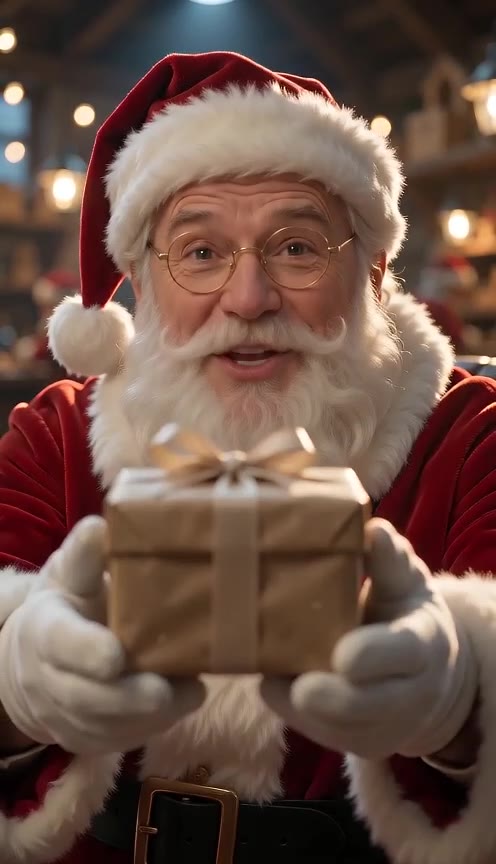
A Christmas video card is a short, spoken holiday greeting, not a printed card or a slideshow. Make a Santa message here with a first name and your own words. The sample carousel shows existing Santa videos, not a preview of your private message. Prefer a still image? Use the card or photo tools below. Already have one holiday photo? The photo-to-video tool animates one image; it does not combine multiple photos into a story.
Christmas card imageChristmas photoAnimate a Christmas photo
Keep the message personal, not public
Use a first name and a small, non-identifying detail. A Christmas video card does not need a postal address, email, school or a precise location. None of these script choices requires a photo. Your text stays in the generator rather than being added to the page URL. Before sending the MP4, check that the recipient is comfortable receiving an AI-made greeting.
Christmas video cards for your family
Choose the version that fits your recipient, or explore the tools and existing greeting ideas.
Christmas Video Card for MomChristmas Video Card for KidsAll greeting toolsGreeting ideas
How to make your Christmas video card
- 1
Choose the words
Start with one of the scripts, add a first name and edit the words. Choose a scene, voice language, length, quality and portrait or landscape shape. Keep the message short enough to sound natural.
- 2
Check the voice
Use the name-pronunciation preview before rendering. For an unusual name, add a phonetic spelling rather than a surname. Listen for pacing and leave room for the closing wish. The website language and the voice language are separate settings.
- 3
Generate and review
Sign in, check the credit quote on the button, then generate on this page. Play the finished clip before downloading the MP4. AI faces, lip movements and pronunciation can vary. Send the file privately through the messaging app you normally use.
AI Christmas Video Card FAQ
Is this a video or a printable card?
The generator on this page makes a short Santa video message. For a still image, follow the Christmas card or photo links. It does not print or post physical cards.
Do I need a photo?
No. The message mode works with first names and text only. Do not upload photos of children. Adult selfie and pet modes are separate optional workflows.
Is generation free?
The tool shows the credit cost before generation. Signing in is required to render; the name voice preview has its existing daily limit. Pricing and credits are unchanged.
Can I use my own words?
Yes. Edit the script before generating. Avoid surnames, addresses, schools and other identifying details. Review the voice and the result before sharing.